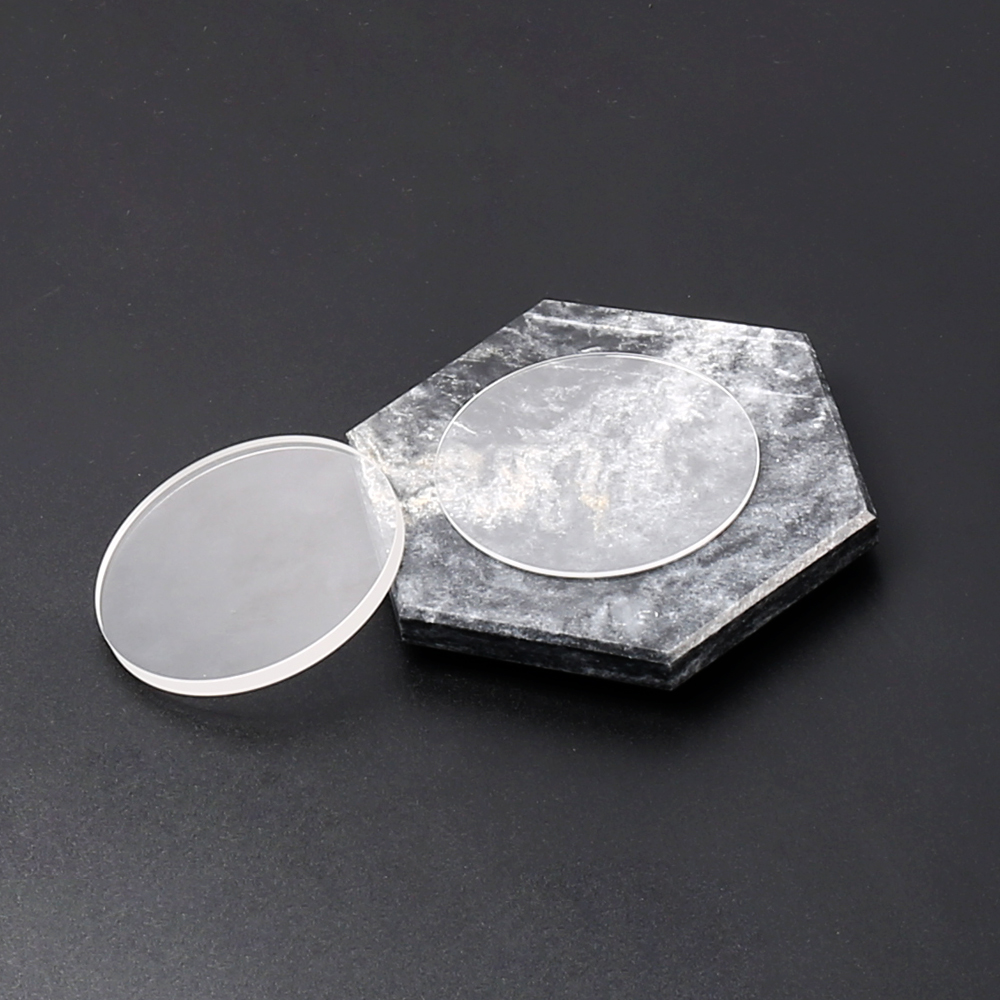
Laser UV marking machines have become a critical tool in modern manufacturing, offering precise and permanent marking for electronics, medical devices, jewelry, and a wide range of industrial products. These machines provide high accuracy, minimal heat-affected zones, and clean markings, making them ideal for delicate or heat-sensitive materials. However, like all precision equipment, their performance and longevity depend on proper maintenance.
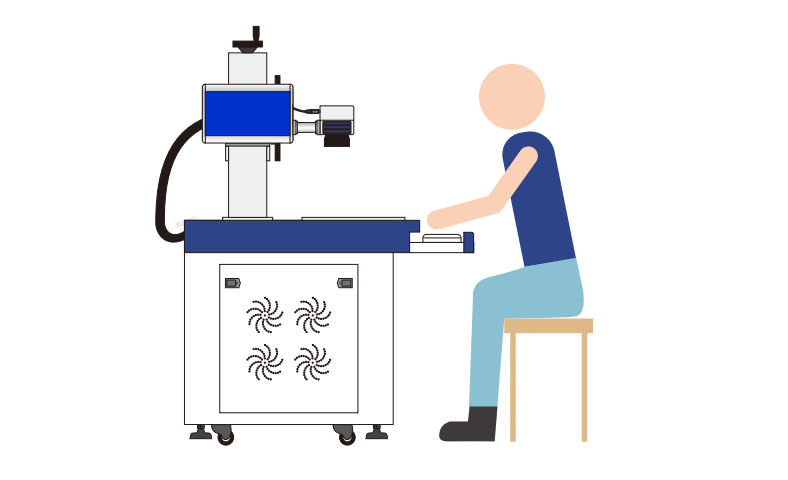
Understanding the Components of a UV Laser Marking Machine
Before diving into maintenance practices, it is important to understand the key components of a UV laser marking machine:
Laser Source: Generates the ultraviolet laser beam for marking.
Optical System: Directs and focuses the laser beam onto the material surface.
Marking Table or Work Platform: Holds the workpiece in place during marking.
Cooling System: Maintains a stable operating temperature for the laser.
Control System: Provides software and hardware interfaces to manage marking patterns and parameters.
Each of these components requires specific care to ensure reliable operation.
Tip 1: Keep the Optical Lenses Clean
The optical system is critical for accurate and precise marking. Dust, debris, or residues on lenses and mirrors can reduce beam quality, decrease marking accuracy, and cause irregular patterns.
Maintenance recommendations include:
Use a clean, lint-free cloth or lens tissue with appropriate optical cleaning solution.
Avoid touching lenses with fingers to prevent oil transfer.
Inspect lenses regularly for scratches or damage and replace if necessary.
Proper lens care ensures sharp, consistent markings and prevents the laser from working harder than necessary.
Tip 2: Monitor and Maintain the Cooling System
UV laser sources are sensitive to temperature fluctuations. Overheating can reduce laser power, affect marking consistency, and shorten component life.
To maintain a healthy cooling system:
Ensure that water or air cooling systems are free of blockages.
Check coolant levels and replace fluids according to the manufacturer’s instructions.
Regularly inspect hoses, pumps, and fans for signs of wear or leaks.
A stable cooling system protects the laser source and prolongs the operational life of the machine.
Tip 3: Maintain a Clean Work Environment
Dust, smoke, and debris generated during marking operations can accumulate inside the machine. This buildup can interfere with sensors, optics, and mechanical components.
Preventive steps include:
Use exhaust systems or fume extractors to remove particles.
Wipe down the interior and exterior surfaces of the machine regularly.
Ensure that workpieces are clean and free from contaminants before marking.
A clean operating environment reduces the risk of contamination-related issues and keeps the machine performing optimally.
Tip 4: Check and Align the Optical Path
Misalignment in the optical path can result in inaccurate marking, uneven engraving, or laser beam scattering. Regular inspection and alignment are essential for precision marking.
Steps to maintain alignment:
Use manufacturer-provided alignment tools or guidelines.
Verify laser beam focus and spot size periodically.
Adjust mirrors and lenses carefully if deviations are observed.
Maintaining a properly aligned optical system ensures consistent marking quality and prevents undue stress on the laser source.
Tip 5: Regularly Inspect Electrical Connections
Loose or corroded electrical connections can lead to inconsistent laser performance or unexpected shutdowns. Proper inspection and maintenance prevent these issues.
Maintenance tips include:
Periodically check all connectors, terminals, and wiring.
Ensure grounding connections are secure to prevent static or electrical noise.
Address any signs of wear or damage immediately.
Reliable electrical connections support stable machine operation and enhance overall safety.
Tip 6: Follow Software and Firmware Updates
The control system manages laser parameters, movement, and marking patterns. Manufacturers frequently release software and firmware updates to improve functionality, performance, and safety.
Operators should:
Install updates recommended by the manufacturer.
Regularly back up marking programs and settings.
Review machine logs for errors or irregular behavior.
Updated software ensures compatibility with new materials and processes while maintaining efficient operation.
Tip 7: Handle the Laser Source with Care
The UV laser source is the heart of the marking machine and often the most expensive component. Handling it correctly prevents damage and extends service life.
Best practices include:
Avoid sudden power cycling; allow the laser to warm up and cool down properly.
Protect the source from mechanical shocks or vibrations.
Follow the manufacturer’s recommended operational hours and rest cycles.
Proper use preserves laser output stability and maintains consistent marking performance.
Tip 8: Schedule Professional Maintenance
While routine cleaning and inspections can be performed in-house, periodic professional maintenance is recommended. Service technicians can perform detailed checks, recalibrate systems, and replace worn components.
Benefits of professional maintenance:
Detect potential issues before they cause downtime
Ensure proper calibration and alignment
Extend overall machine life and maintain warranty coverage
Professional service complements daily maintenance and helps protect the investment in UV laser technology.
Tip 9: Maintain Documentation and Logs
Keeping detailed records of maintenance activities, operating hours, and observed issues can help diagnose problems and plan preventative measures.
Log daily or weekly maintenance tasks.
Note material types, marking parameters, and machine performance.
Use historical data to predict when components may need replacement.
A well-maintained log contributes to proactive maintenance strategies and minimizes unexpected failures.
Why Mingzhi Laser Focuses on Reliable UV Laser Marking Machines
Mingzhi Laser designs UV laser marking machines with both performance and maintainability in mind. By providing durable components, clear operational guidance, and reliable technical support, Mingzhi ensures that customers can maintain consistent marking quality and extend machine life.
Products like those from Mingzhi Laser emphasize precision, ease of maintenance, and adaptability across industrial applications.
Conclusion
Maintaining a UV laser marking machine is essential for ensuring long-term reliability, consistent marking quality, and reduced operational costs. By keeping optical components clean, monitoring cooling systems, maintaining electrical connections, and following professional service guidelines, operators can significantly extend the life of their equipment.
Regular maintenance, combined with proper operation and attention to the work environment, ensures that laser UV marking machines continue to deliver precise, high-quality markings for years to come.
www.mingzhilaser.com
Mingzhi